
What Pattern-Based PDF Redaction Can Miss
Pattern-based PDF redaction finds text shaped like SSNs, emails, card numbers, and dates. Learn how it works and what it misses: scans, names, and context.
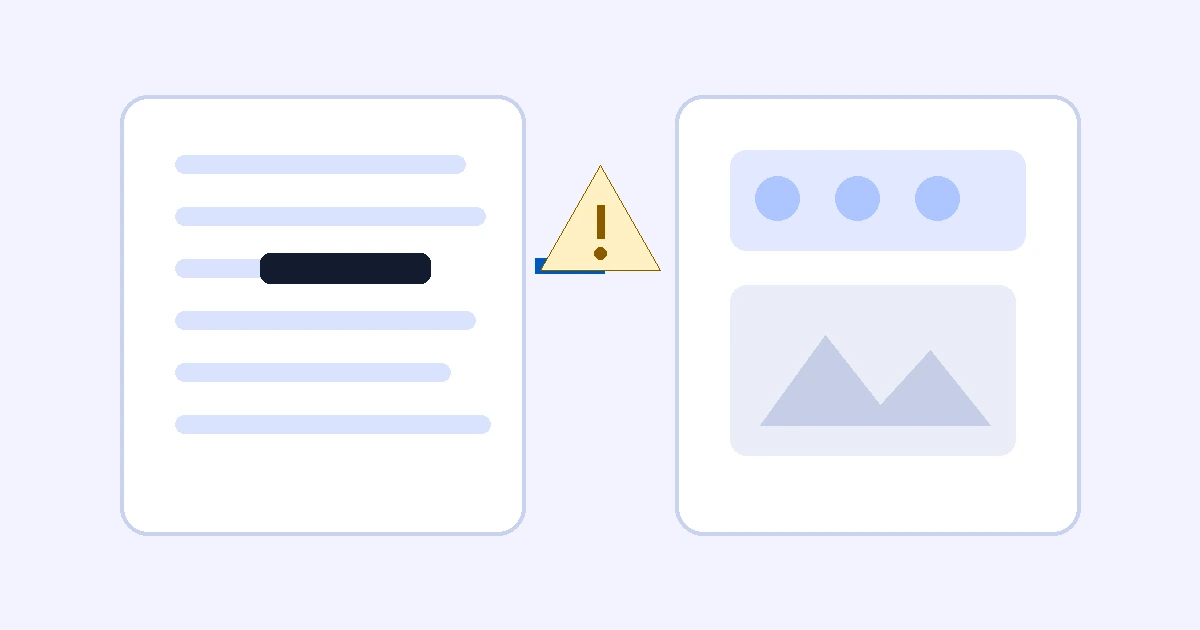
Pattern-based PDF redaction searches a PDF's text for values with a predictable shape — Social Security numbers, EINs, U.S. phone numbers, email addresses, payment-card numbers, dates of birth, or your own regular expression — and proposes a redaction box over every match. It is fast for structured identifiers. It cannot see text that has no predictable shape, and it cannot see text that is not stored as text.
- Finds well: SSNs, EINs, emails, U.S. phone numbers, card numbers that pass a Luhn check, dates of birth, custom regex matches.
- Misses: scanned pages without a text layer, text split into fragments, names, addresses, privileged content, context.
- Safe use: treat every match as a candidate, review each page by hand, then apply destructive redaction.
How pattern-based PDF redaction works
- The PDF's extractable text is read page by page.
- Each pattern is tested against that text. Stricter checks cut false matches: Nablyx rejects impossible SSN zero groups, checks that a date is a real calendar date, and requires card candidates to pass a Luhn checksum.
- Every match becomes an editable rectangle on the page preview. You can remove it, resize it, or add areas the scan missed.
- Destructive redaction rebuilds the affected pages so the covered text is removed, not just hidden under a black box.
Pattern detection is useful because structured identifiers have recognizable shapes. It is limited for exactly the same reason: information without a predictable shape needs context, OCR, or human judgment.
The safest way to use pattern-assisted redaction is to treat it as a candidate finder. It can reduce repetitive searching, but every candidate still needs review and every page still needs a manual pass.
Structured identifiers are the strong case
A strict pattern can recognize text such as an SSN with hyphens or a conventional email address. The extra validation described above keeps obviously impossible values out of the candidate list.
Custom regular expressions are useful when a matter has a consistent identifier such as a policy number or internal account format.
Scanned pages can have no searchable text
A page can look like text to a person while being only an image inside the PDF. If the page has no text layer, a text-pattern scan has nothing to match.
The page preview still lets you mark an area manually. If OCR is part of your production workflow, validate the OCR output separately and compare it with the page image; OCR mistakes can create both missed matches and false matches.
PDF text can be fragmented
PDFs store drawing instructions, not paragraphs in the way a word processor does. A value that looks continuous on screen may be split into several text runs. Unusual encodings can also make extracted characters differ from the visible page.
That is why a zero-result pattern scan is not proof that a document contains no sensitive identifier.
Context cannot be expressed by a simple regex
Names, street addresses, privileged communications, trade secrets, medical narrative, and litigation strategy do not have one reliable punctuation pattern. Even a date is only a date of birth when the surrounding context says so.
Pattern labels should therefore be read as signals, not semantic conclusions. A matched date deserves review; it is not automatically protected information.
Precision and recall are different
Precision asks: when the scanner reports a match, how often is the match structurally correct? Recall asks: of all sensitive items in the document, how many did the scanner find?
Strict validation can improve precision while still leaving recall gaps. For production work, the practical answer is a layered review: structured-pattern scan, manual page inspection, destructive redaction, hidden-data cleanup, and final-output verification.
Find sensitive patterns locallySee the transformation
Hidden PDF data is removed, and marked pages become final pixels.
Remove hidden document details and permanently cover the areas you marked.
Need to do this now?
Scan a PDF for sensitive patternsRelated tools
Open the tool this guide is about, or explore a related one.