
Shopify URL Redirect Best Practices for SEO Migrations
Plan Shopify URL redirects for an SEO migration: point legacy URLs directly to relevant final pages, avoid chains and loops, and verify the redirect map before launch.
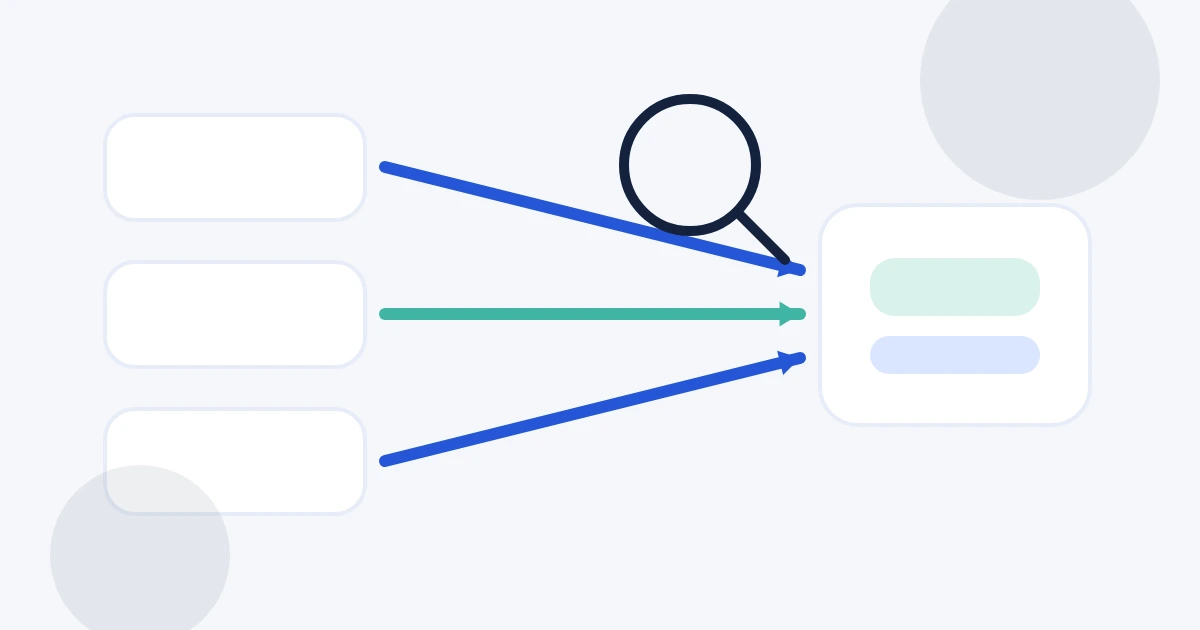
Redirects protect navigation and search signals when a Shopify store changes product handles, collection structure, domains, or platform. The quality of the redirect map matters more than the number of rows in it.
Redirect to the closest relevant replacement
Map an old product to its replacement product when one exists. Map a retired collection to the most relevant live collection. Avoid sending every removed URL to the home page; a specific destination gives visitors and search engines a clearer continuation of the old page's purpose.
Point directly to the final URL
Chains add unnecessary hops. If /old-product points to /older-product and that path points to /products/new-product, update the first row so it points directly to the final product. This also makes the migration map easier to audit later.
Eliminate loops and conflicting rules
A loop never reaches useful content, and conflicting entries make the migration ambiguous. Validate the complete source-to-destination graph before launch rather than checking rows one by one. Nablyx flags both conditions locally in your browser.
Keep source paths stable and review special routes
Normalize source paths consistently and do not attempt to redirect Shopify-reserved system paths. Query-string redirects deserve separate testing because Shopify warns they may not behave as expected.
Preserve an audit trail
Keep the original mapping file, the cleaned Shopify-ready file, and the date of import. After launch, test important legacy URLs and monitor the pages that receive traffic. For large migrations, prioritize high-value product, collection, content, and externally linked URLs first.
Nablyx can preflight a redirect source file up to 10 MB without uploading the redirect list to Nablyx.
Validate Shopify migration redirectsSee the transformation
Redirect paths are normalized and checked before Shopify import.
Normalize source and destination paths, catch conflicts or loops, and export Shopify's exact redirect columns.
old-product//products/new-producthttps://shop.example.com/summer-sale//collections/summer-sale/about-us//pages/about-usNeed to do this now?
Validate Shopify migration redirectsRelated tools
Open the tool this guide is about, or explore a related one.
- CSV column mapper and renamerRename, reorder, and remove CSV columns before importing data into a CRM, store, database, or accounting system — without uploading your file.
- Validate CSV files online freeScan a CSV once for structural, encoding, header, delimiter, and whitespace problems without changing the file.
- Clean and fix CSV files — no uploadRepair common CSV problems including wrong delimiters, uneven rows, empty lines, whitespace, BOM markers, and duplicate headers.