
How to Merge PDF Files Locally Without Uploading Them
Understand what browser-local PDF merging means for privacy, what stays on your device, and when local processing should change your choice of tool.
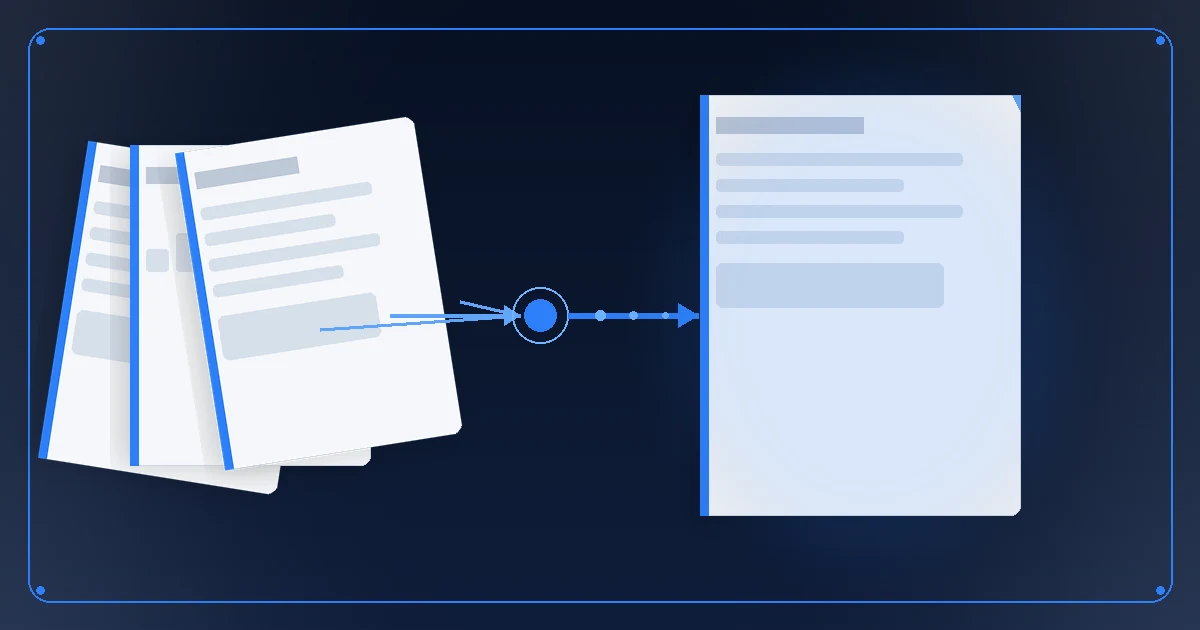
Local PDF merging matters when the file contents are allowed to be processed on your device but should not be sent to an upload service. Nablyx Merge PDF processes the selected PDF contents locally in the current browser session instead of sending them to a Nablyx server for the merge, with a per-file limit of 5 GiB.
What “your files stay on your device” means in practice
The browser reads the selected PDFs locally, performs the merge locally, and produces the downloadable result on the same device. The original PDFs are not replaced.
That privacy statement is about where the PDF contents are processed. It does not mean the web page itself is disconnected from the Internet, and it does not guarantee an air-gapped or fully offline setup.
Local processing is not the same as offline availability
These two questions are easy to mix up:
- Will my PDF contents be uploaded for processing? With this browser-local merge, no.
- Can I open and use the web app from a cold start with no network connection? Do not assume that. The browser may still need the network to load the site or application code.
If “no network at all” is the requirement, choose a tool that explicitly supports that operating model, such as an installed application intended for offline use. If the requirement is “do not send these document bytes to a processing server,” browser-local processing addresses that different concern.
When privacy should decide the tool
Local processing is a meaningful selection criterion for contracts, financial records, internal reports, application documents, or other files covered by an organizational rule that limits where document contents may be sent.
The decision is less about whether a document is personally “sensitive” and more about the actual rule you must follow. Ask: Is this file allowed to leave this device for processing? If the answer is no, eliminate upload-based tools before comparing convenience features.
What local processing does not solve
Keeping PDF contents on the device does not make every other constraint disappear. The Merge PDF tool lists its current input-count, per-file, and combined-size limits. The shipped size cap is backed by full tool runs at 1, 3, 4, and 5 GiB, with the merged output verified each time.
Local processing also means the resource cost is paid on your own computer. In the measured 5 GiB run, the tool used 5.91 GiB of temporary space and 458.1 MiB of additional memory on the test machine. Those are measured results, not fixed requirements for every device, but they are a real planning constraint for a large merge.
Local processing also does not replace your own handling rules for the finished file. Once you download or share the merged PDF, where it goes is determined by what you do next.
A practical way to choose
Start with the data-location requirement. If the PDFs may not be uploaded for processing, prefer a browser-local or installed local tool. Then check whether the tool's file limits and document behavior fit the job. Only after those two gates should convenience features decide between acceptable options.
“Local” answers where the PDF bytes are processed. “Offline” answers whether the application itself can operate without a network connection. They are related, but they are not the same promise.
See the transformation
Multiple PDFs combine into one document, in the order you set.
Your PDFs are combined on your device in the order you choose, and the result is checked before download.
Need to do this now?
Merge PDFs locallyRelated tools
Open the tool this guide is about, or explore a related one.