
Common Shopify Redirect Import Errors and How to Fix Them
Fix Shopify URL redirect CSV problems such as reserved paths, duplicate sources, conflicting destinations, chains, loops, empty cells, and malformed URLs.
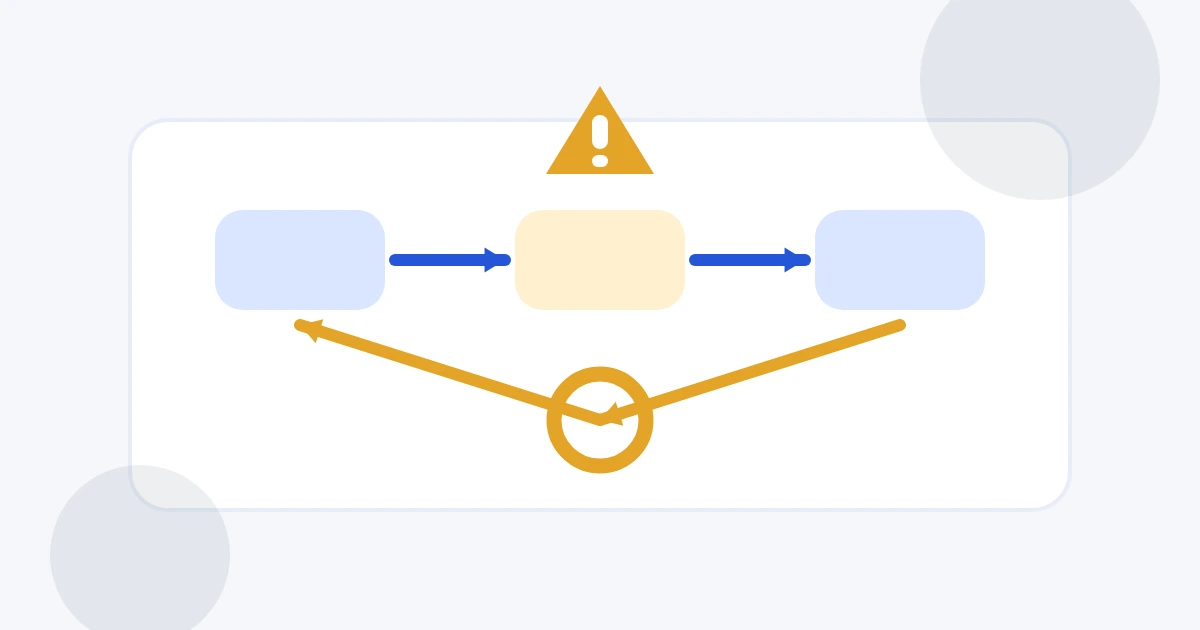
Most Shopify redirect import failures come from the redirect data rather than from the CSV extension itself. A useful preflight separates blocking errors from warnings so you can repair the source list before Shopify sees it.
Reserved source paths
Shopify reserves system routes such as cart, order, app, service, and some collection paths. A redirect cannot safely take over those source routes. Move the redirect to a non-reserved legacy path or remove it from the import.
Duplicate and conflicting sources
Two identical rows are redundant. Nablyx warns about them and keeps one copy in the prepared export. A more serious case is one source pointing to two different destinations. Shopify cannot resolve that intent for you, so choose the correct destination and remove the conflict.
Chains and loops
A chain sends a visitor through another redirect before reaching the final page. Replace the first destination with the final destination when possible. A loop is blocking: for example, /a → /b and /b → /a. Break the cycle by choosing a final page that is not another member of the loop.
Empty or malformed values
Every row needs a source and destination. Internal values should be valid paths; external destinations need a valid HTTP or HTTPS URL. The preparer normalizes ordinary internal paths automatically but does not invent a missing page.
Query strings
Shopify notes that redirects containing query strings might not behave as expected. Treat those rows as a warning and test the resulting storefront behavior. If the query parameter is not essential, redirect the stable path instead.
The tool validates files locally up to 10 MB and produces the exact Redirect from, Redirect to headers after blocking issues are fixed.
See the transformation
Redirect paths are normalized and checked before Shopify import.
Normalize source and destination paths, catch conflicts or loops, and export Shopify's exact redirect columns.
old-product//products/new-producthttps://shop.example.com/summer-sale//collections/summer-sale/about-us//pages/about-usNeed to do this now?
Check a Shopify redirect CSVRelated tools
Open the tool this guide is about, or explore a related one.
- CSV column mapper and renamerRename, reorder, and remove CSV columns before importing data into a CRM, store, database, or accounting system — without uploading your file.
- Validate CSV files online freeScan a CSV once for structural, encoding, header, delimiter, and whitespace problems without changing the file.
- Clean and fix CSV files — no uploadRepair common CSV problems including wrong delimiters, uneven rows, empty lines, whitespace, BOM markers, and duplicate headers.